Skip to content
Access the console console.hyperfluid.cloud
Containers

Container Registry

Your container images, private and sovereign

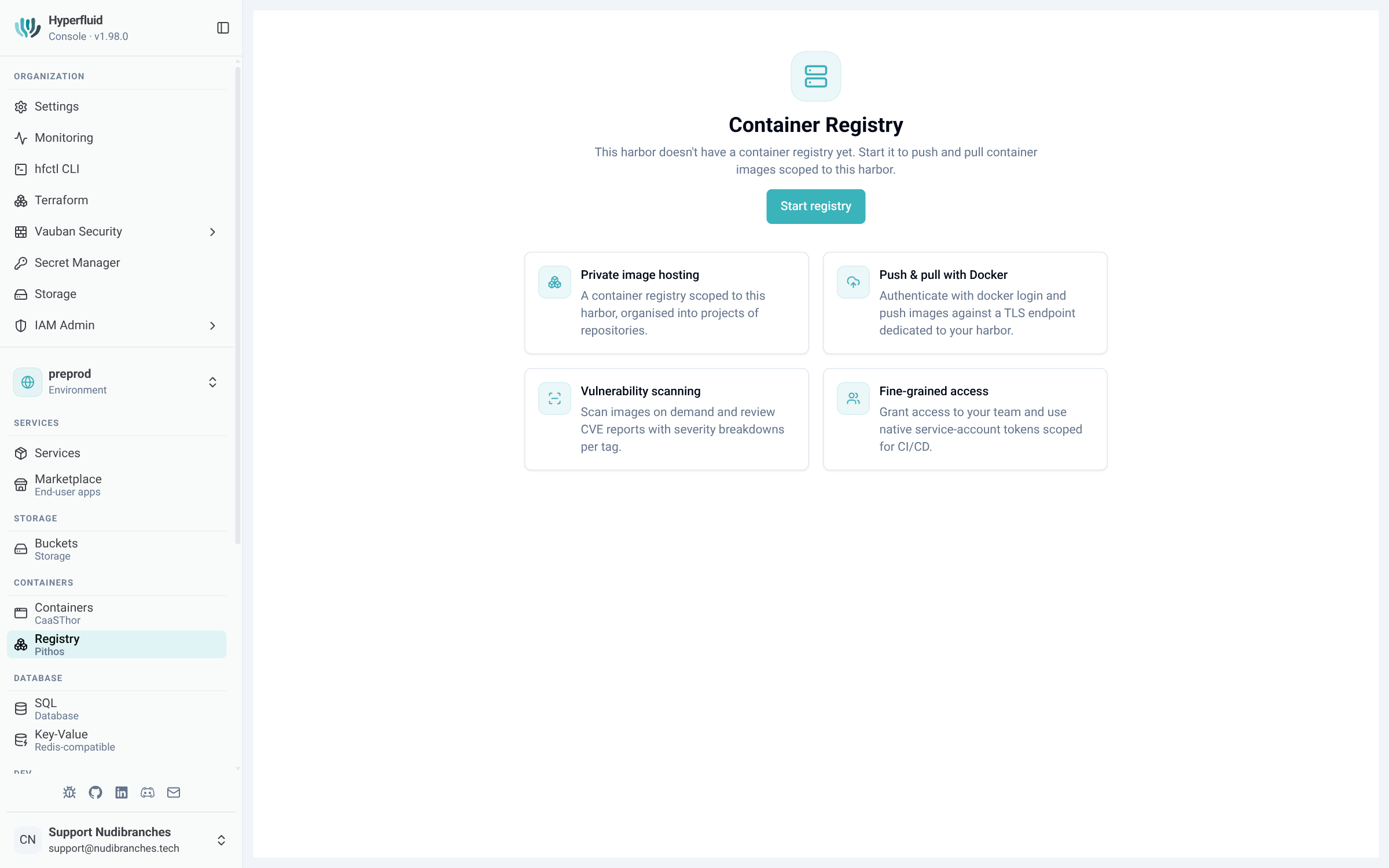
Host your container images in a private registry, inside your own cluster and backed by your sovereign object storage. Compatible with the standard docker tool, with role-based access control and vulnerability scanning, all from the console.

Container Registry

Specifications

Compatibility

Standard docker tool

Access control

Service accounts, 3 roles

Security

CVE vulnerability scanning

Storage

Sovereign object storage, dedicated quota

Use cases

Host your private images

Push and pull your container images to a private registry hosted inside your own cluster, backed by your sovereign object storage. Your images stay with you, with no reliance on an external public registry.

No external network egress

Control access

Organize your images into logical projects and grant each service account limited rights: read-only, read/write or administration. Credentials can be rotated at any time.

Three roles per project

Watch for vulnerabilities

Each image can be scanned for known vulnerabilities (CVE). Review the results directly in the console, alongside the image catalog, tags and usage tracking.

CVE scanning in the console

In action

The team pushing its images

A team wants to host its container images without going through an external public registry

10 min
  1. 1 Enable the container registry for the environment from the console
  2. 2 Authenticate with docker login using a service account
  3. 3 Tag and push the image with docker push
  4. 4 The image is stored on your object storage, inside your cluster

Private images hosted on your side, with no external dependency

The lead controlling access

Several teams share the registry and each one needs the right level of access

15 min
  1. 1 Organize images into logical projects
  2. 2 Create service accounts with the right role: read-only, read/write or administration
  3. 3 Distribute credentials and rotate them when needed
  4. 4 Run a vulnerability scan on the images and review the results in the console

Access controlled per project and visibility on vulnerabilities

Key benefits

Private registry hosted inside your cluster, with no reliance on an external public registry
Compatible with the standard docker tool, with no specific tooling to learn
Per-project, role-based access control with limited-rights service accounts and rotatable credentials
Image vulnerability scanning and usage tracking from the console

Ready to host your images with full sovereignty?

See how the container registry keeps your images on your side, under your control.

Request a demo