 Français
  English
  Français (Canada)
 Store your files
Images, documents, backups, logs: all in sovereign object storage, accessible via standard S3 APIs, with default buckets already organized (backup, bronze, silver, gold, system)
Works with standard S3 tools
Your sovereign object storage, S3 compatible
Store your files, images, backups and data in S3-compatible object storage. Create a bucket in one click, browse your files with the console's file browser, upload with drag-and-drop and connect your applications with standard S3 APIs.
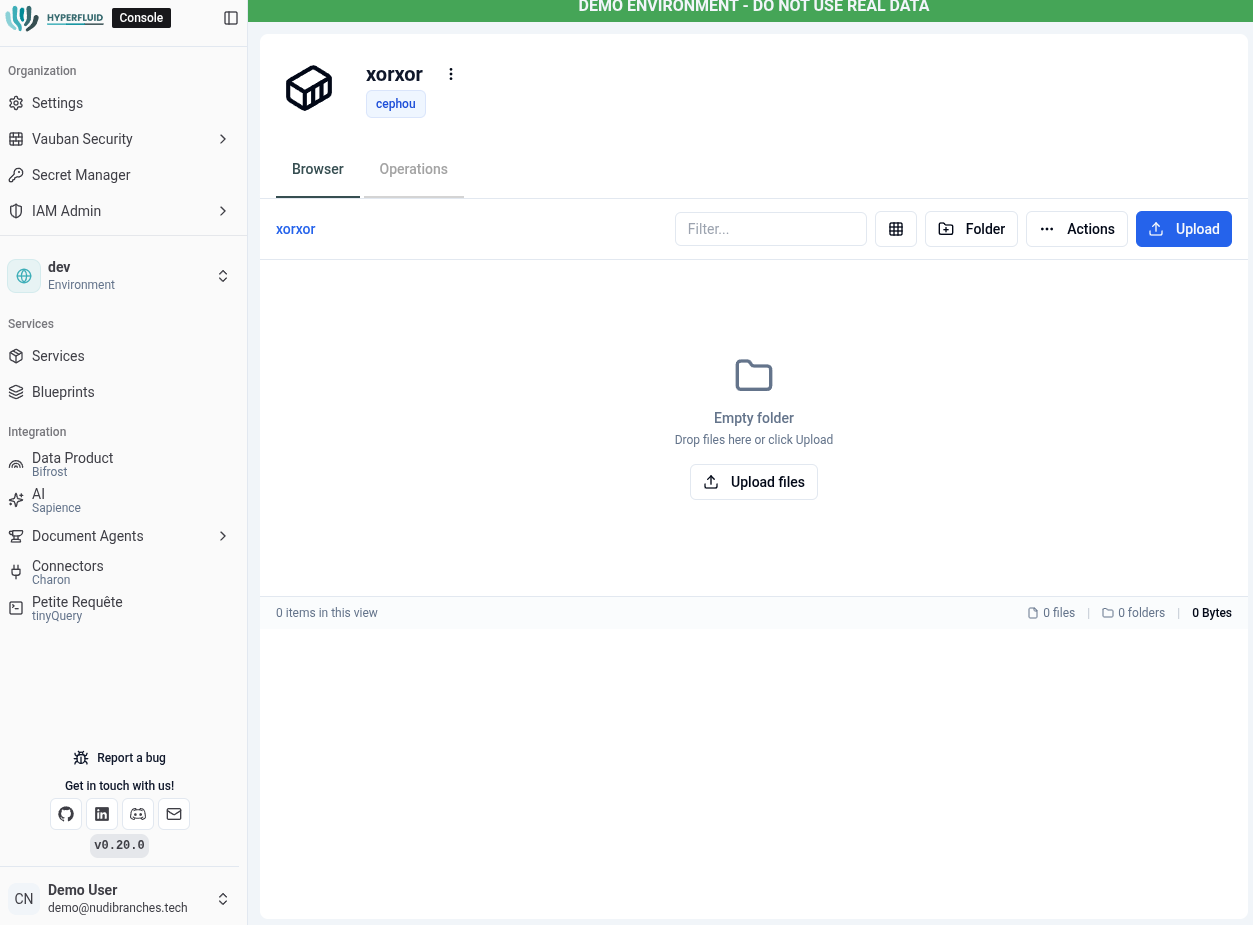
Images, documents, backups, logs: all in sovereign object storage, accessible via standard S3 APIs, with default buckets already organized (backup, bronze, silver, gold, system)
Works with standard S3 tools
Centralize your raw data in the default bronze, silver and gold buckets, then expose it as Iceberg tables queryable with Trino, or process it through your pipelines
Native Data Hub integration
Browse your buckets from the console, upload and organize your files visually
Intuitive interface
A data team needs to store CSV and Parquet files for analysis
Data lake filled and queryable from the console
An application needs to store the images its users send
Asset storage integrated, compatible with standard S3 SDKs
Discover how S3 Storage simplifies your file management.